 CardSnap
Scan a Business Card. See It in HubSpot Seconds Later.
CardSnap is a business card scanner with native HubSpot CRM sync. Scan any card with your phone camera — the contact's name, phone, email and company land directly in your HubSpot pipeline. No CSV imports, no re-typing, no missed leads after a conference.
Use Web App — See Demo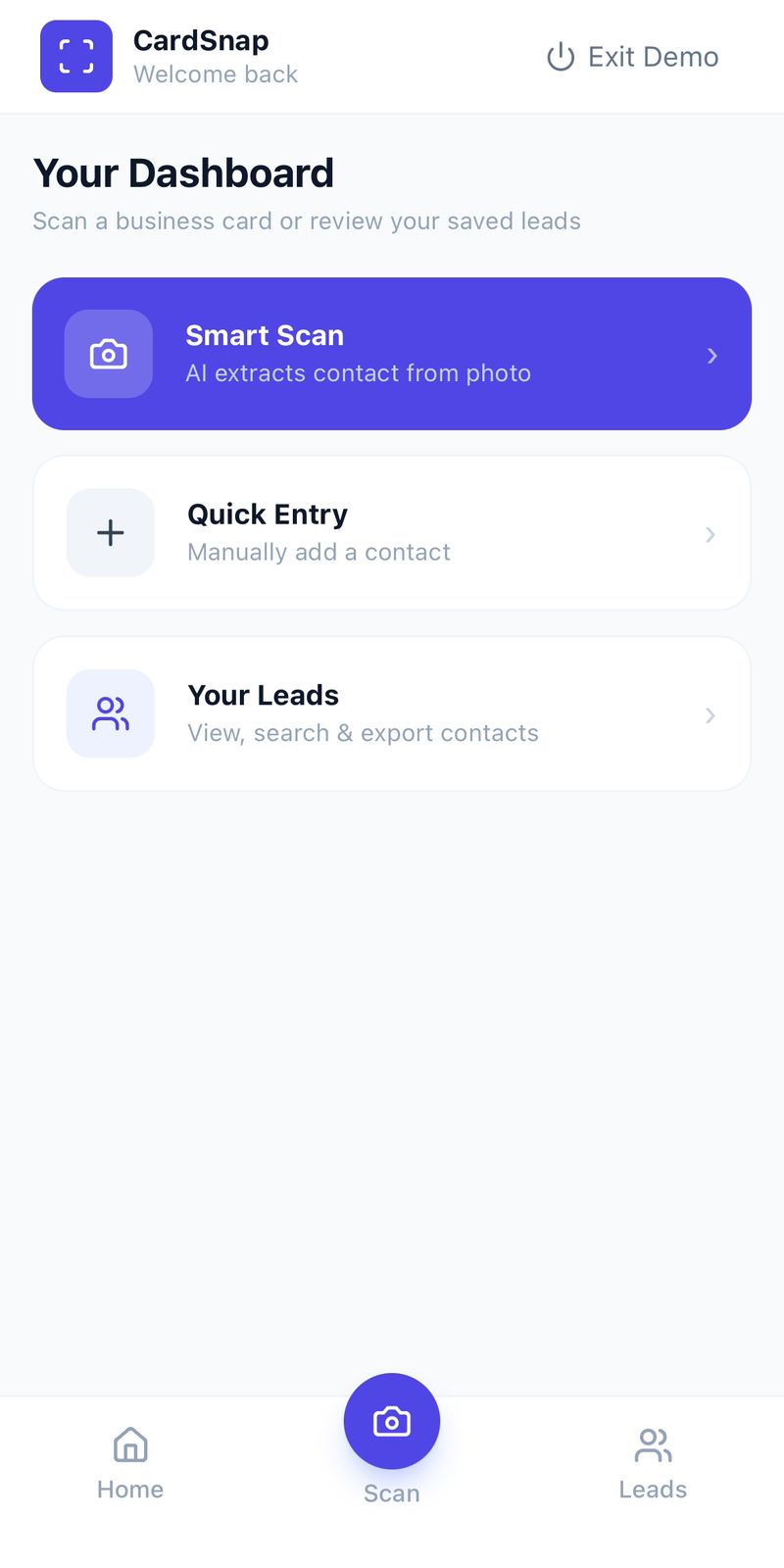
Why manually exporting business cards to HubSpot doesn't scale
Most business card scanner apps stop at giving you a spreadsheet. Getting those contacts into HubSpot still means exporting a CSV, formatting the columns to match HubSpot's fields, and importing manually — every single time you come back from an event. Sales reps skip this step more often than not, and leads quietly die in a phone gallery.
CardSnap removes that entire step. Connect your HubSpot account once, and every card you scan afterward is pushed to HubSpot automatically as a new contact — ready for your sales team to work the moment you're back at your desk.
How the HubSpot sync works
- 1Connect HubSpot
Link your HubSpot account from CardSnap's settings — takes under a minute.
- 2Scan the Card
Point your camera at any business card — AI extracts every field.
- 3Lead in HubSpot
The contact appears in your HubSpot CRM automatically — no duplicates, no manual work.
Built for sales teams already using HubSpot
- 🔗 Automatic HubSpot Sync
Every scanned card becomes a HubSpot contact — no CSV, no manual import.
- 🚫 Duplicate Detection
CardSnap checks existing HubSpot contacts before syncing to keep your CRM clean.
- 📷 AI Card Scanning
Reads name, phone, email, company and designation instantly from any card.
- 🔔 Follow-Up Reminders
Set reminders in CardSnap even while HubSpot handles your pipeline.
- 💬 WhatsApp Follow-Up
Message a lead on WhatsApp instantly, right from the same app.
- 📊 Bulk Sync Existing Leads
Already have scanned cards? Push them all to HubSpot in one tap after connecting.
Frequently Asked Questions
How does CardSnap sync with HubSpot?
Connect your HubSpot account once from CardSnap's settings. After that, every business card you scan is automatically created as a contact in your HubSpot CRM — no manual export or CSV upload needed.
Do I need a HubSpot subscription to use CardSnap's HubSpot sync?
You need an active HubSpot account (free or paid) to connect it. CardSnap's scanning and HubSpot sync feature itself is free to use.
Can I sync business cards I already scanned before connecting HubSpot?
Yes. CardSnap detects contacts that haven't been synced yet and lets you push them to HubSpot in bulk after you connect your account.
Will duplicate contacts be created in HubSpot?
CardSnap checks existing HubSpot contacts before syncing to avoid creating duplicates for the same phone number or email. Read more about how this works →
Connect HubSpot and start scanning
Free to use · Works on Android & iPhone
Use Web App — See Demo